

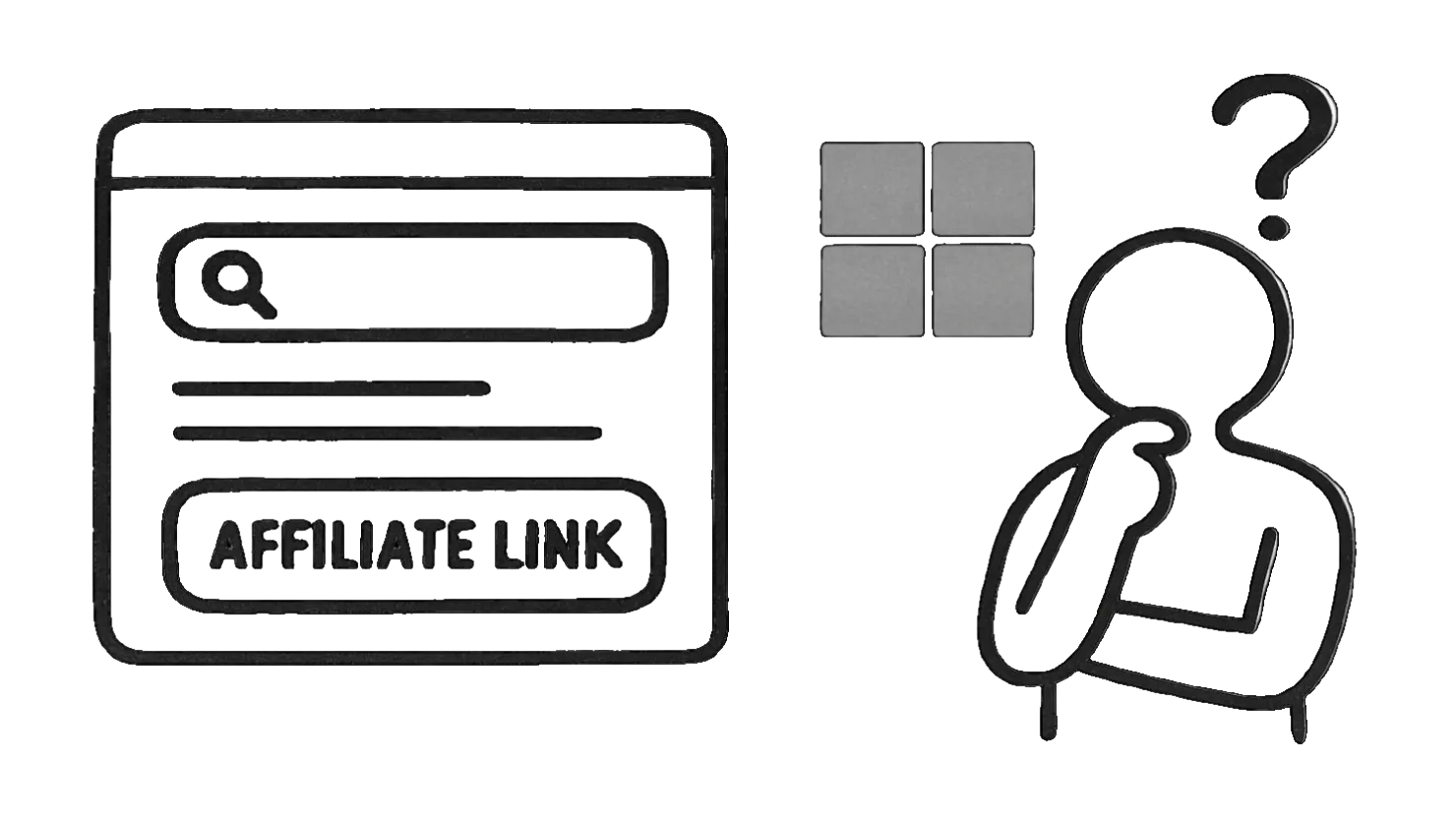
Microsoft Ads (formerly Bing Ads) is a pretty interesting platform for affiliates who want to promote their affiliate links, next to Google Ads. Microsoft Ads used to be more tolerant when it came to affiliate links used directly in ad campaigns.
Of course, some affiliates have taken advantage of this and flooded Microsoft Ads with low-quality affiliate offers, which has given the whole platform a poor reputation.
Microsoft Ads is a good alternative to Google Ads. However, Bing Ads has a much smaller reach. Nevertheless, Bing Ads is the best alternative to Google Ads, so as an affiliate, you should definitely familiarize yourself with it and give it a try.
If you want to run Microsoft Ads, keep your affiliate link in your pocket. I'll explain why in a second.
Can you use Bing Ads as an affiliate?
Bing Ads doesn't officially forbid the use of affiliate links. You'll also see plenty of affiliates running ads that link directly to affiliate products, which shows that Bing Ads is pretty friendly toward affiliates.
Official Microsoft Ads policy text on this topic isn't as widely published, but most advertisers treating Microsoft/Bing Ads like Google Ads find that direct affiliate links with redirects often get flagged or cause issues. Read this Reddit thread for more details.
Personally, I don't use direct affiliate links on Microsoft or anywhere else. It's always been risky, and it always will be. I always insert a landing page where I collect user data, display a promotional article, or advertise a product.
As a professional affiliate, you almost never link directly to affiliate products. You put your own website in between so you have more control and flexibility.
It doesn't matter if it's Google, Facebook, or running ads elsewhere. The pattern with Microsoft is the same: send traffic to a proper landing page instead of an affiliate link directly.
Best practices for Microsoft Ads as an affiliate
If you want to use Microsoft Ads profitably and successfully, you need to think differently. Don't just copy what other affiliates do — and here's why:
Over 80% of affiliates earn little to nothing. If you copy them, you'll end up stuck in the same cage.
Not a great idea.
There are a few strategies that all require a landing page and work not only with Microsoft Ads but also with many other ad platforms:
Landing page with newsletter signup
One of the best strategies is to send your ad traffic to a page where you ask for the visitor's email address. Someone clicks your Microsoft ad and lands on a page where you ask them to sign up.
This method is called email list building. You build naturally a list of prospective buyers and regularly send them valuable information via email, occasionally promoting something relevant to their needs. Just keep the 80/20 rule in mind: 80% valuable content and 20% promotion.
It will save you from burning your email list.
You'll need:
- Newsletter software
First, you need a good email marketing tool. You can find a comparison of the best email tools here. With it, you can manage your email contacts, add new contacts to particular lists, and create and send emails at fixed intervals. - Landing page
You need a simple page dedicated to collecting email addresses. It's called a landing page. Any hosting provider works — even a free one. You just need to create a minimalist webpage that describes the benefits of signing up for your list and offers a form for people to join. It's all easy; there's no magic here. - Email series
Instead of emailing everyone manually, you create an automated email sequence, also known as an email follow-up autoresponder. You can also use this sequence to promote products. I do exactly this in many niches. I set up valuable promotional emails and choose an interval of one day between every email. They are sent out automatically to everyone who subscribes to my newsletter.
Keep in mind: this strategy doesn't work for every audience.
Not everyone wants detailed advice or is willing to share their email address. Many people are cautious about sharing personal data online. Others don't want to delay the buying decision; they just want to buy now. They need to be handled separately on the landing page. Show them how to buy now without the extra step of providing an email address.
Never treat everyone the same. People are different. Some want more information and need more time to decide to buy, while others are very impulsive and want the thing now. Don't make them wait. You'll lose money this way.
You also need to give people a reason to sign up. Offer a freebie — a small eBook, a video, or even a short email course.
Landing page with a promo article
You can also send people to a landing page with a promotional article. The visitor reads the article and is guided toward a product recommendation.
The article needs to provide value and useful info. Don't try to push the product too aggressively. It's better to explain it in detail, list pros and cons, and let the visitor decide.
Landing page with helpful content
Create a detailed article on a topic — for example, hiking shoes. The article should give tips and teach the reader something useful.
Then run a Microsoft ad promoting this article. Make it clear in the ad that you're offering information, not selling something.
Once on the page, visitors read the content and see ads for relevant products in a few spots. These ads should be easy to see and, ideally, include a clear ad disclosure, which is especially important for affiliate links. It's important to be a transparent affiliate marketer; trust pays off in the end.
This is my favorite strategy for subtle and safe advertising. You promote valuable content, and the ad platform has no reason to be suspicious as long as your content follows the rules.
Conclusion
Microsoft Ads is a great ad platform for affiliates. I use it a lot myself and totally understand why affiliates like it. Microsoft is pretty tolerant when it comes to the offers you promote — but still:
You should always work cleanly and plan your campaigns carefully. Microsoft can flip a switch anytime and kick out affiliates who push things too far.
It's an external platform that you don't own. Other rules and policies apply there. You don't want to play against them. It just won't work in the long run. Just ask the affiliates who spammed the platform and got kicked out.
Some bad actors in the affiliate world have already shown how much damage they can cause to a platform's reputation. If Bing sees similar behavior, they'll remove affiliates — especially the hardcore gamblers chasing quick money.